We had some photos from the photoshoot that we had decided not to use, but I revisited these to see if I could incorporate them into my digipak cover. We took a range of close-ups and I added the lens flare effect and our logo into a few of them to see if I could use them as an album cover. This led me to decide that using one photo as my digipak pack was too boring for me. As I did not like the mirror effect either, I began researching album covers that had multiple photos on them and used the ones below as inspiration.

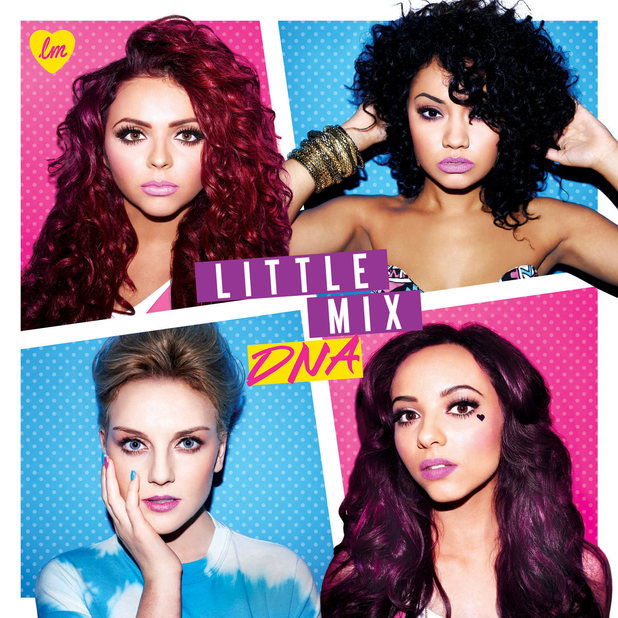
I used the stencil effect on Photoshop to create my own white lines, though struggled with the thickness and straightness of the lines. As this is a first draft, I plan to tidy up the lines if my cover is received positively by the class when we present it.
I chose this close-up for my album cover because I thought it was the best out of the other close-ups we took and I used the Diana F photo because I liked how the hair fanned out all around it and felt it fit in well with my structure. I used the magnetic lasso tool and the clonestamp to bring these photos in, though still need to tidy up the edges.


No comments:
Post a Comment